












You save a lot. You find almost none, WHEN NEEDED.

Remember everything.
Organize nothing.

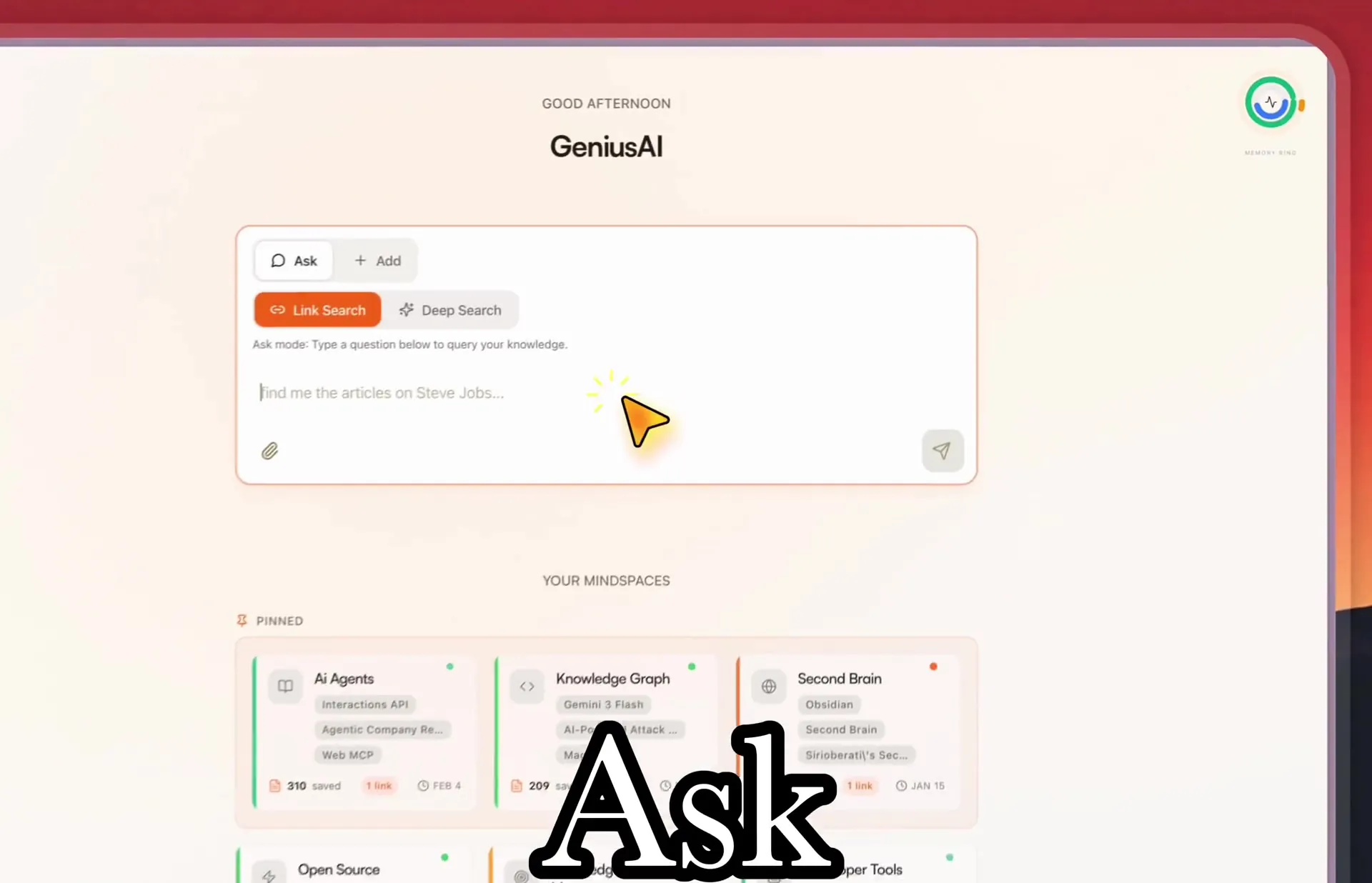
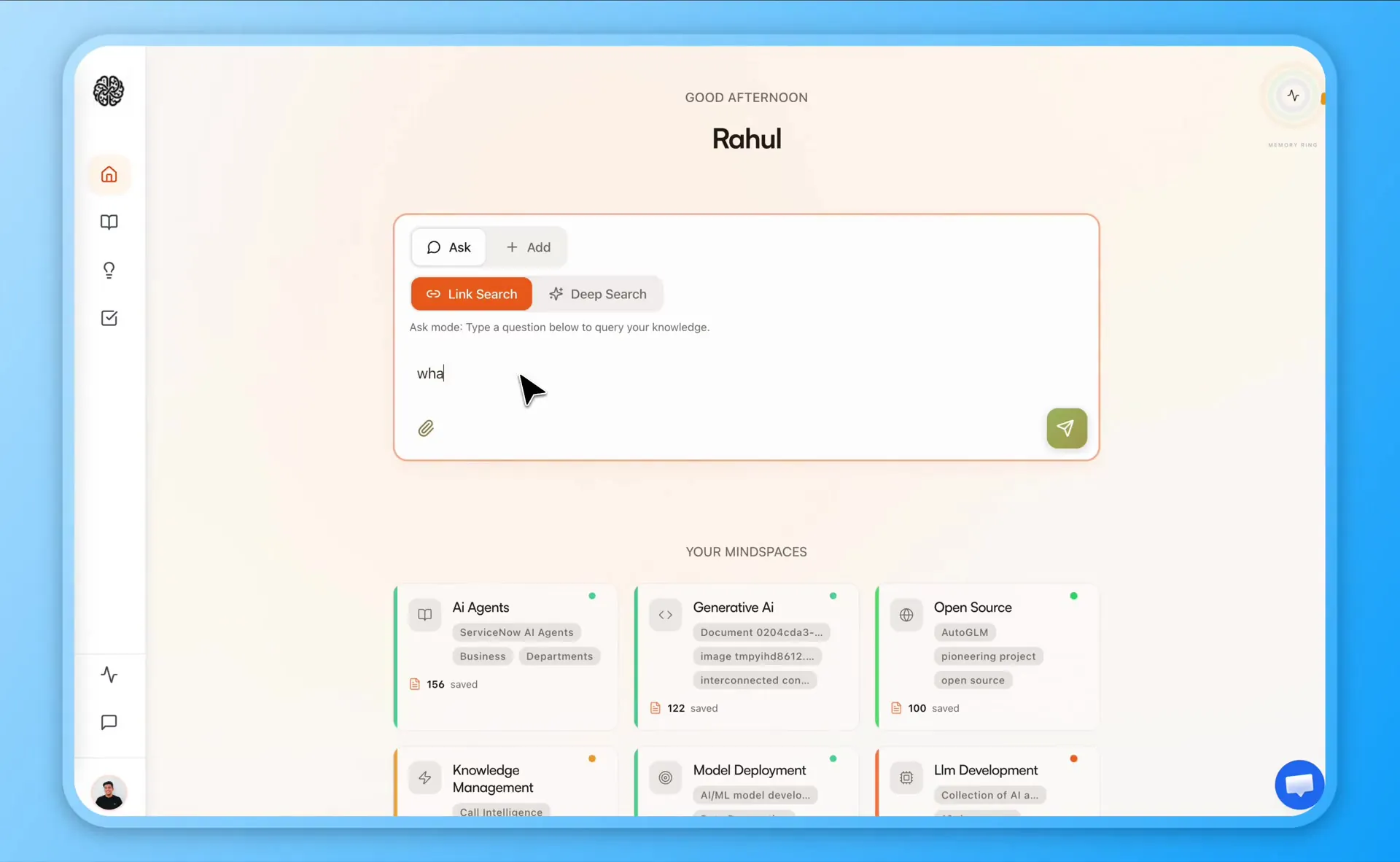
TimeLn is your AI knowledge partner. Save articles, PDFs, YT videos, and posts from the web. It connects them to what you already have and answers questions with sources.

Get started free

Free forever plan · Set up in 30 seconds

timeln.app

Trusted by curious people from every field:

How it works

Save once. Timeln tags, links, and surfaces what to do next. You ask when you’re ready.

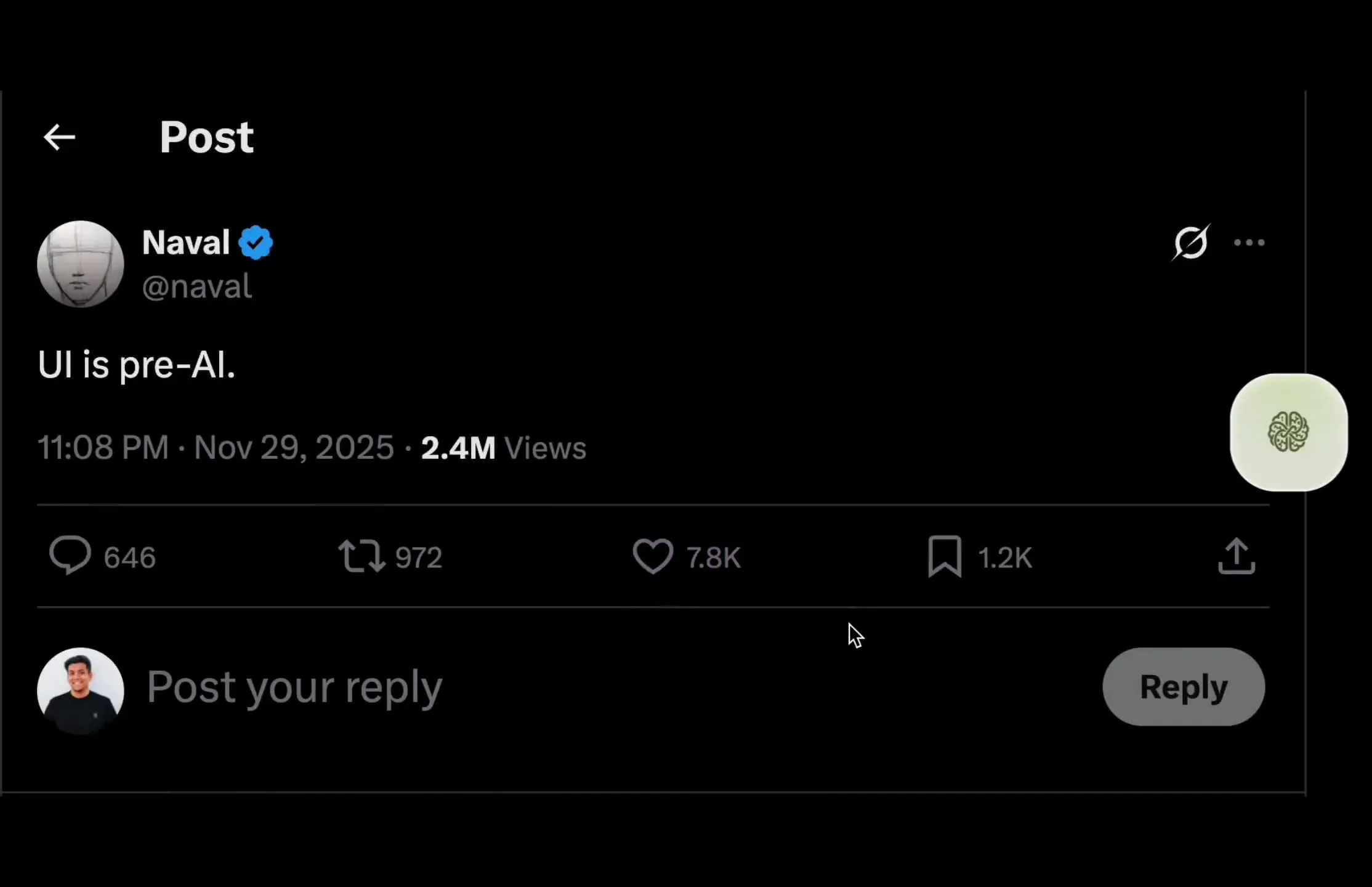
Capture anything you read using the Chrome extension

  • The Chrome extension is how Timeln captures: one click saves any article, video, PDF, or post
  • Works across LinkedIn, X, Instagram, TikTok, YouTube, and anywhere you read on the web
  • Timeln summarizes each save and starts linking it to your themes automatically
Go deeper

Install the extension once and Timeln captures from wherever you already browse. A lecture PDF, a YouTube walkthrough, and a thread can sit side by side and stay searchable together.

Save once. We handle the rest.

Capture as you work. Auto-linked notes, Generates Topic bundles, Graph views, and Smart Todo tasks. Built for modern knowledge workers.

Extension Captures

Save without breaking flow.

  • Likes, long reads, and other content gets saved automatically
  • Drag any PDFs, screenshots, or images into the extension
  • Hands-free capture when you enable autonomous mode
Why it matters

The extension stays in your browser while you work. Like a post on LinkedIn or X, a finished long read, or a dropped file. Timeln captures it and starts linking. Turn on autonomous mode when you want saves without extra clicks.

Library Grows
Library Grows

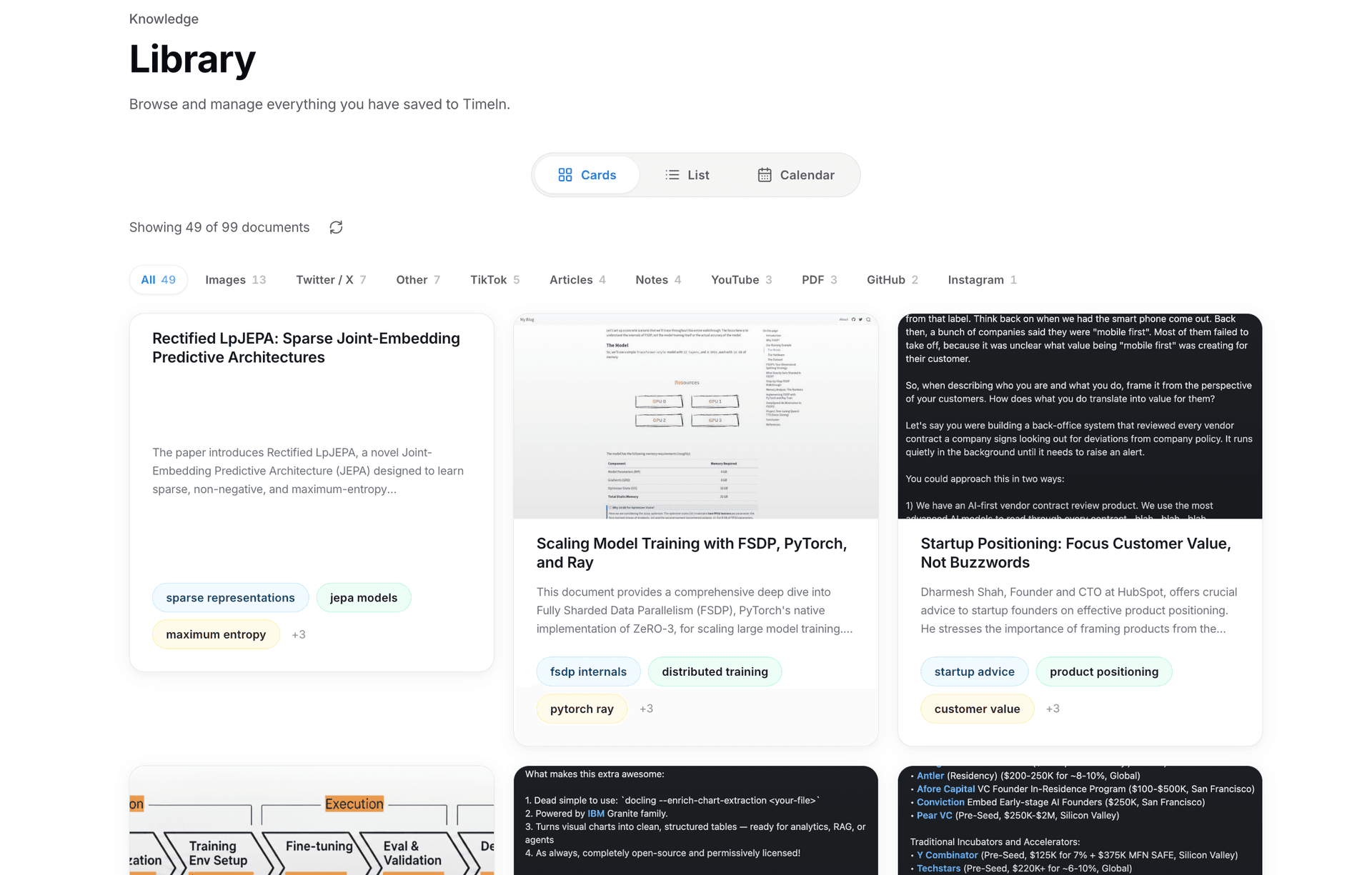
Every content you read gets added to your library. Connected and searchable.

  • Pull from arXiv, LinkedIn, Medium, X, or the open web
  • See cross-platform data sources
  • Ask "what do I know about X?" across the full library
  • Topic bundles are generated automatically
Why it matters

Capture articles, PDFs, videos, and posts as you go; query the whole pile instead of reopening tabs.

Auto-linked

New saves snap to old ones.

  • New saves auto-links to something you already stored
  • Hidden connections appear automatically
  • Open the graph to see the full map of your knowledge
Why it matters

Save an article by Naval on today; Timeln connects it to the other self-help content you saved last month -- automatically.

Topic Bundled
Topic Bundled

Topics are automatically grouped into Mind Spaces.

  • e.g. save 5 articles on pricing → a "Pricing" space appears automatically
  • Separate spaces dedicated to each theme: AI Agents, Marketing, Research, etc.
  • Drill from a space into subtopics
  • These are folders, but for AI Agents.
Why it matters

Mind Spaces are rolling clusters: Timeln groups related saves so each interest area stays current. No new folders, no tag upkeep.

Ideas compounded

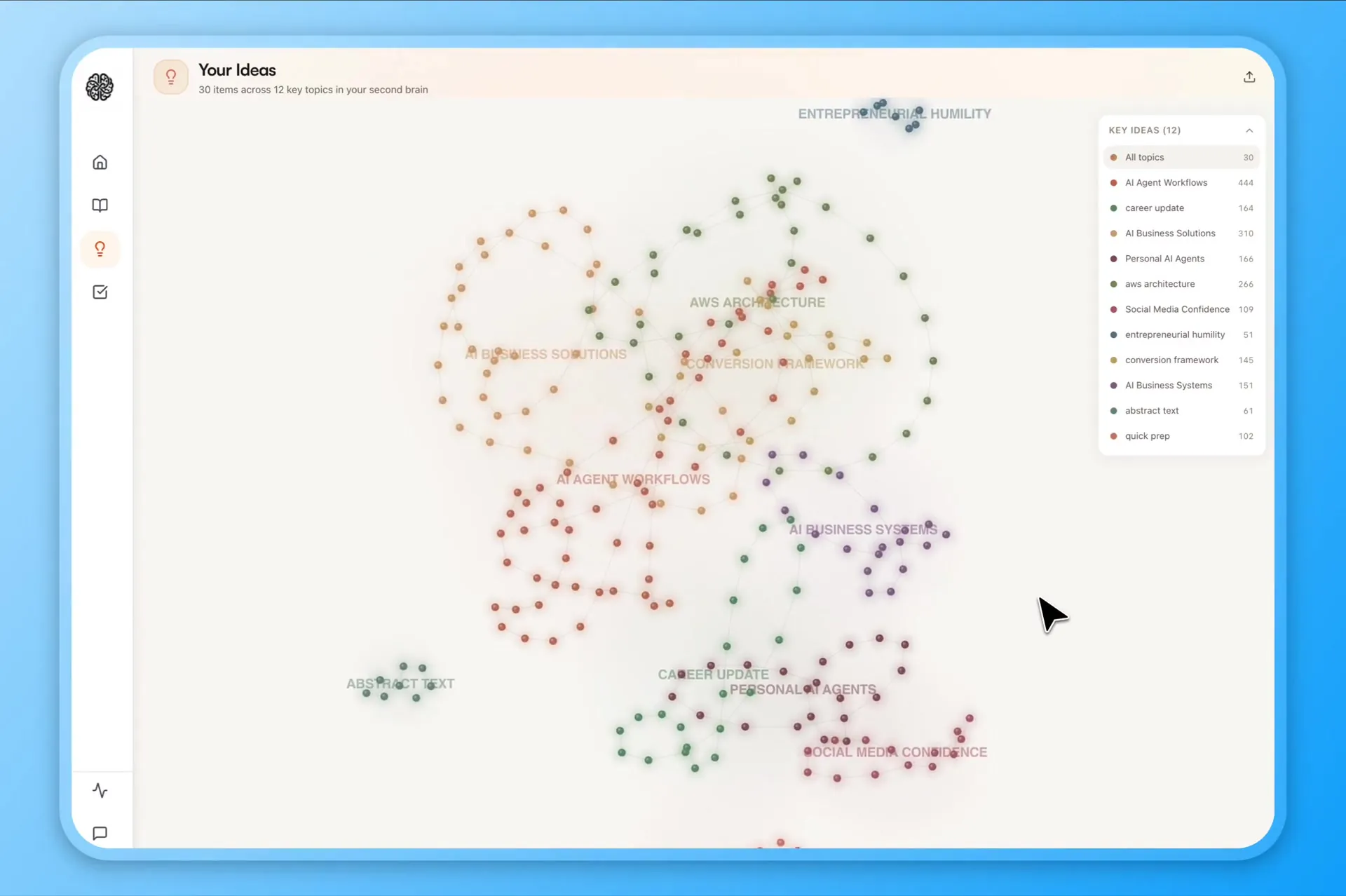
See how your ideas connects and grows.

  • Interact with your knowledge map to explore your compounded wisdom
  • See which ideas cluster and spot gaps in your thinking
  • Highlight where concepts overlap across topics
Why it matters

Ideas layers every save into 2D/3D views. Overlaps highlight when two distant readings share a concept--useful when a pricing note suddenly matters to a product doc you saved weeks ago.

Smart todos

From "saved" to "doing."

  • Thinking frameworks built into Timeln, so it can suggest tasks from what you saved
  • Archive what can wait; focus on the urgent
  • Suggested next steps from what you saved
Why it matters

PARA (Projects, Areas, Resources, Archive) is built in so Timeln can suggest tasks from what you captured--archive the someday stuff, keep the now work visible.

Diagram: Timeln connects to Cursor, Claude, and other clients through the Model Context Protocol (MCP) and the Timeln skill
Extensions & skills

The same brain in your browser, in your agent, and in your editor.

  • Chrome extension: save what you read without breaking flow
  • Timeln MCP: one connector for Claude, Cursor, and other MCP clients
  • Timeln skill: pre-built skill to enhance your reasoning and thinking
Why it matters

The extension keeps your graph current while you browse. The MCP is the same library in any client that speaks the protocol. The skill adds structured, source-grounded help in the editor—so you are not re-explaining your research to a general model. Same data, three entry points.

Why we built the skill →

Built for curious minds

Researchers, students, executives, founders. If reading is how you decide, Timeln keeps the evidence one question away.

Every paper you read. Connected and searchable.

Capture papers and threads as you go; query the whole pile instead of reopening tabs.

  • Pull from arXiv, PubMed, Scholar, and the open web
  • See cross-discipline links Timeln infers for you
  • Ask “what do I know about X?” across the full library
  • Topic summaries when you need a fast refresher
More context

You already read hundreds of sources a month. Timeln keeps the through-line so synthesis time goes to writing and deciding—not hunting PDFs.

Researchers using Timeln
Comparison

One App to Rule All Knowledge Work

See how Timeln compares to the tools you already know.

CaptureTimelnMem.aiNotion AIObsidianMyMindReadwise
Auto-capture from web (zero clicks)YesNoNoNoClick onlyHighlights only
Multi-source: YouTube, PDF, LinkedIn, XYesWeb + emailManual importNoLinks + imagesArticles + Kindle
Zero setup / no manual folders or tagsYesSome taggingHeavy setupHeavy setupYesSome tagging
Passive background capture (always on)YesNoNoNoNoNo
YesFully supportedPartial textPartial / nuanced NoNot available

People *really* like TIMELN

Hundreds of people have already made the switch from Apple Notes, WhatsApp notes, Google Keep, and other note-taking apps.

What definitely works is the extension: when I'm on Twitter, YouTube, or LinkedIn, I can save what matters. I save so much and it used to be scattered everywhere. Having one central place to go back to—that's great. You nailed that.

J

Jason

CPTO

It's a way to take care of the knowledge you accumulate over time, then use it to become a specialist at what you care about. It gets much easier to learn and review what you've actually learned, instead of how most of us do it today.

C

Christian

CPTO

Hear it in Christian's words

I had stuff split between Notion, random PDFs, and like forty open tabs. When I'm building a deck I'm always thinking—where did I see that chart? With Timeln I actually go back and find it instead of re-Googling for half an hour.

SK

Sarah K.

Research Analyst

I'm on LinkedIn and Substack all day for client work. I used to bookmark things and then never open them again. Now I just save as I go and when I need 'that thread about procurement' I can search it without pretending I had a folder system.

ML

Marcus L.

Consultant

In standup I knew I'd read something that backed my take on a feature but I couldn't remember if it was a Twitter thread or a doc someone sent me. I typed what I remembered and it surfaced the save from like three weeks ago. Super specific situation but it got me out of a hole.

JW

Jennifer W.

Product Manager

I save a ton of papers and blog posts meaning to read them on the weekend and then I don't. The weekly review nudges me with 'here's what you actually looked at'—kind of annoying in a good way, because otherwise it all just dies in a pile.

PM

Priya M.

PhD Candidate

What definitely works is the extension: when I'm on Twitter, YouTube, or LinkedIn, I can save what matters. I save so much and it used to be scattered everywhere. Having one central place to go back to—that's great. You nailed that.

J

Jason

CPTO

It's a way to take care of the knowledge you accumulate over time, then use it to become a specialist at what you care about. It gets much easier to learn and review what you've actually learned, instead of how most of us do it today.

C

Christian

CPTO

Hear it in Christian's words

I had stuff split between Notion, random PDFs, and like forty open tabs. When I'm building a deck I'm always thinking—where did I see that chart? With Timeln I actually go back and find it instead of re-Googling for half an hour.

SK

Sarah K.

Research Analyst

I'm on LinkedIn and Substack all day for client work. I used to bookmark things and then never open them again. Now I just save as I go and when I need 'that thread about procurement' I can search it without pretending I had a folder system.

ML

Marcus L.

Consultant

In standup I knew I'd read something that backed my take on a feature but I couldn't remember if it was a Twitter thread or a doc someone sent me. I typed what I remembered and it surfaced the save from like three weeks ago. Super specific situation but it got me out of a hole.

JW

Jennifer W.

Product Manager

I save a ton of papers and blog posts meaning to read them on the weekend and then I don't. The weekly review nudges me with 'here's what you actually looked at'—kind of annoying in a good way, because otherwise it all just dies in a pile.

PM

Priya M.

PhD Candidate

One App to Rule All Knowledge Work

Your brain is for having ideas.
Timeln keeps what you read, and gives you answers that cite your memory.

Start free, no card. Researchers, students, and executives use Timeln to save as they read and ask with sources attached.

Free plan available · Setup in under 30 seconds

Frequently Asked Questions

Credits, exports, security, and how Timeln differs from a bookmark bar—answered directly.

You keep a free account forever with 100 chat credits and 100 document credits each month (they reset on your cycle). That covers capture, your graph, chat over saves, and uploads within the allowance—no card to start. Outgrow it? Upgrade to Builder for more credits.