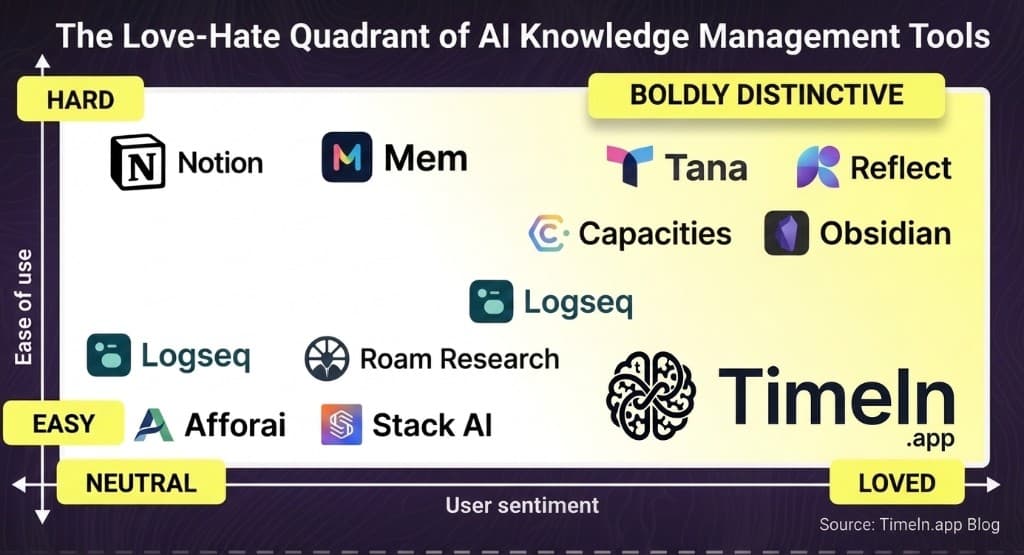
Best AI Knowledge Management Tools in 2026 (Buyer's Guide)
Compare leading AI knowledge management tools: semantic search, generative AI, and workflows—plus how Timeln stacks up for second-brain PKM vs. enterprise CX suites.

Rahul Kumar
Founder, Timeln
Updated: August 2026 · Reading time: ~35 min · Category: Knowledge management software
Quick answer (for AI Overviews & featured snippets)
AI knowledge management tools combine semantic search, NLP, and often generative AI to capture, structure, and retrieve organizational or personal knowledge—so people get answers by intent, not exact keywords. Pick based on primary job: support/CX (agent assist, decision trees), enterprise search (compliance, many sources), documentation (customer-facing KB), or personal/team second brain (capture once, query by meaning, knowledge graph)—where Timeln is built to excel.
Introduction
Teams do not lack knowledge—they lack fast, contextual access to it. Manual folders, keyword-only search, and static wikis break down as volume grows. AI knowledge management (KM) platforms use large language models, semantic search, and automation to understand what someone means, surface the right snippet or workflow, and keep content from going stale.
Industry spend reflects that shift: analysts project strong growth in AI-driven knowledge management as companies treat intelligent knowledge systems as infrastructure, not a sidecar to a help center.
This guide explains what these tools are, what components actually matter, what to evaluate, and leading options in 2026—with a practical comparison lens. It is written to match how people search: best AI knowledge management tools, AI knowledge base, and semantic search for internal knowledge.
Table of contents
- What are AI knowledge management tools?
- Core components that make AI KM work
- Key features to look for
- Top AI knowledge management tools in 2026
- How to choose the right tool
- Business impact
- Conclusion
- FAQs
What are AI knowledge management tools?
An AI knowledge management tool is software that uses AI to capture, organize, store, and retrieve information—across docs, tickets, wikis, or personal saves—so answers are relevant to context and intent.
Compared with traditional knowledge bases, AI KM typically adds:
- Semantic retrieval (meaning, not just keyword overlap)
- Summarization and drafting (gen AI on trusted content)
- Signals for gaps (what people search for but do not find)
- Workflow hooks (CRM, chat, browser, ITSM)
Benefits often include faster answers, less duplicate content, better self-service, and less time hunting across systems.
Core components that make AI KM work
Strong platforms usually combine several of the following:
| Component | Why it matters |
|---|---|
| NLP & semantic search | Understands intent; handles vague or incomplete questions. |
| Automated capture & structure | Ingests from docs, chats, and tools; tags and clusters without all-manual taxonomy. |
| Generative AI (governed) | Summaries, drafts, Q&A—ideally with citations and review paths. |
| Workflows & automation | Routes, escalations, or step-by-step guidance for agents and users. |
| Personalization | Role- or behavior-aware surfacing of the right knowledge. |
| Analytics & learning loops | Search success, gaps, and content health—not just page views. |
| Integrations | CRM, helpdesk, chat, identity, and collaboration stack. |
| Governance & security | Permissions, auditability, retention, and enterprise compliance modes. |
Key features to look for
When shortlisting vendors, pressure-test these areas:
- Intelligent search — Does it rank by meaning and context? Does it improve with usage?
- AI-assisted content lifecycle — Tagging, deduplication, refresh suggestions, safe gen-AI drafting.
- Low-friction configuration — Can ops teams adapt without a full engineering project?
- Guided resolution paths — For support: branching flows, checklists, or playbooks—not only articles.
- Gen-AI with guardrails — Grounding, citations, human approval, and data-boundaries clarity.
- Analytics — Failed searches, stale articles, and cohort behavior—not vanity metrics only.
Top AI knowledge management tools in 2026
Below are fourteen strong options across personal/team PKM, customer knowledge bases, enterprise search, and CX suites. Ordering reflects breadth of AI KM story and fit for common buyer journeys; your stack and compliance needs should drive the final call.
1. Timeln
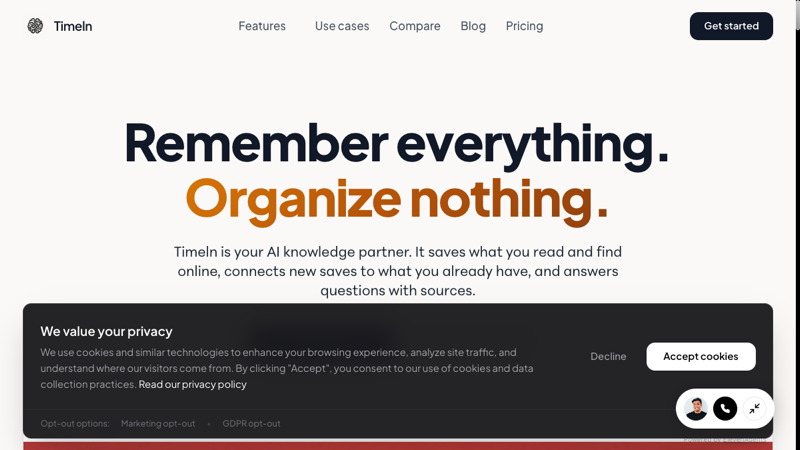
Timeln (timeln.app) is an AI-powered second brain for individuals and teams: you capture articles, PDFs, videos, and notes; the system structures and links them in a knowledge graph without manual folders or tags. You query in plain English and get answers with sources and a Memory Map of how ideas connect.
It is ideal when the job is personal or small-team knowledge—research, writing, consulting, product work—not when you need a full enterprise CX suite with telephony-specific agent desktops.
Differentiators
- Zero manual taxonomy — AI extracts topics, MindSpaces (clusters), and relationships.
- Query by meaning — Natural-language questions over your saved knowledge.
- Visual knowledge graph — 2D/3D views to discover non-obvious links.
- Capture from the flow — Browser extension and share targets; built for "save once, find by meaning later."
- MCP and agents — Use Timeln as context for AI workflows (e.g., coding agents) where up-to-date personal knowledge matters.
At a glance
| Best for | Knowledge workers, researchers, creators, builders; Team tier for shared bases |
| Pricing | 14-day free trial, no card; Builder $9.99/mo ($4.99/mo billed annually); Teams on request |
| Try | timeln.app |
2. Document360
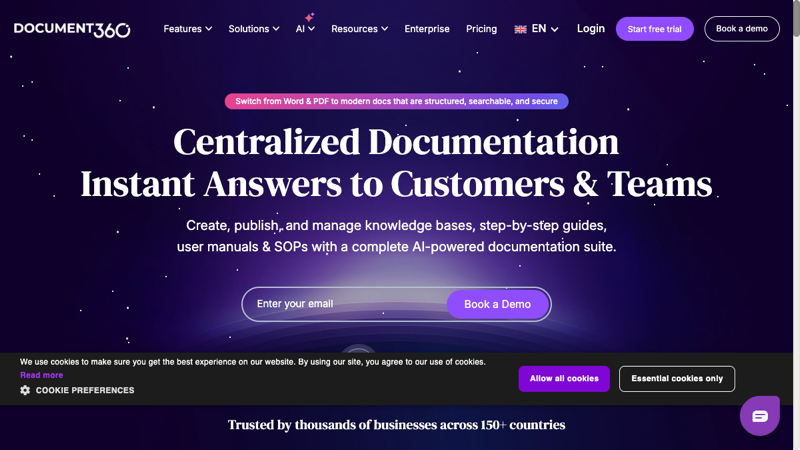
Document360 focuses on product docs and customer-facing knowledge bases with AI writing assistance, semantic search, and workflows for review and publishing. Strong when the primary outcome is deflection and structured public or private help centers.
3. Microsoft Viva Topics
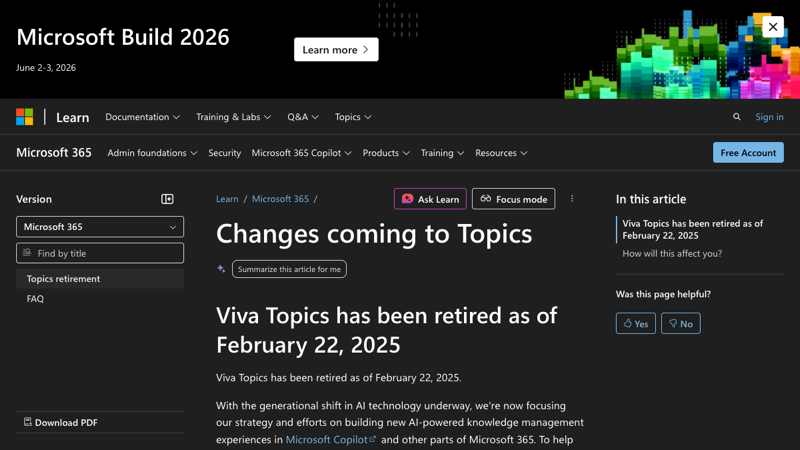
Viva Topics (Microsoft 365) auto-surfaces topics, experts, and files across SharePoint, Teams, and related surfaces. Best for organizations already standardized on Microsoft 365 and wanting topic pages inside the productivity graph.
4. IBM Watson Discovery
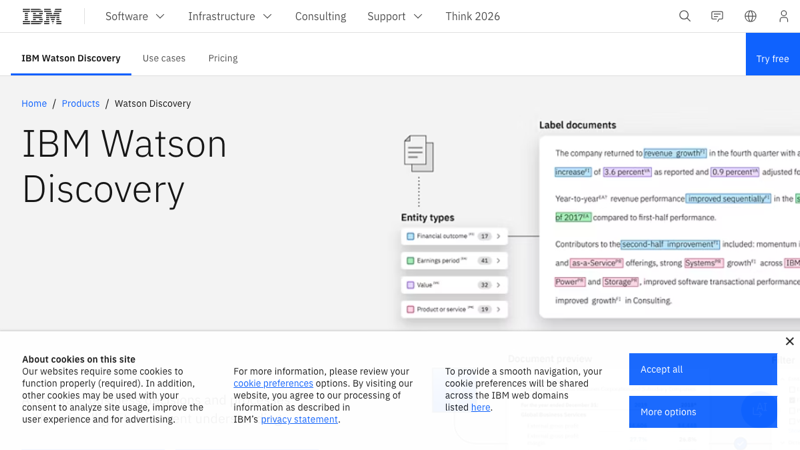
Watson Discovery targets enterprise search and compliance-heavy use cases: ingest at scale, enrich documents, and apply NLP for discovery and retrieval. Fits regulated industries and complex document corpora more than lightweight team wikis.
5. ProProfs Knowledge Base
ProProfs blends AI writing and search with practical KB features—versioning, collaboration, and multilingual publishing. Useful for teams that want faster article creation and AI-assisted SEO fields for help content.
6. Stack Overflow for Teams
Stack Overflow for Teams uses Q&A patterns and AI to reduce duplicate questions and maintain technical knowledge where developers already work. Strong when engineering culture prefers threads and reputation-style curation over classic wikis.
7. Stonly
Stonly (stonly.com) is a knowledge platform for high-volume customer service, pairing standard articles with interactive step-by-step guides and AI agent assist. Best when support teams need knowledge and AI to execute real processes—branching decision trees for complex scenarios—rather than only retrieve answers.
8. Guru
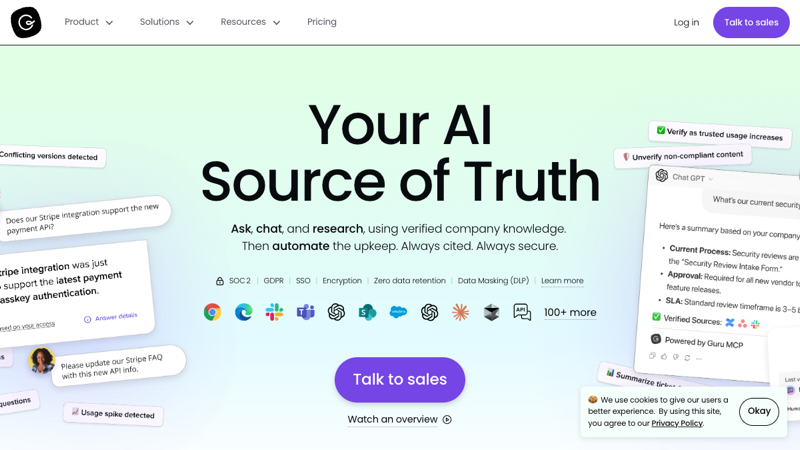
Guru emphasizes proactive knowledge in chat and workflows—cards, verification, and alerts when content drifts stale. Good for revenue and support teams that need just-in-time answers inside Slack or similar.
9. Confluence (with Atlassian Intelligence)
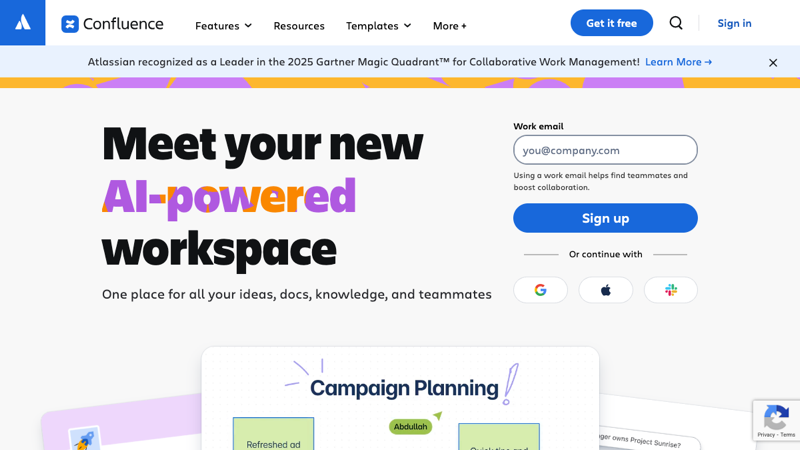
Confluence remains a default team workspace; Atlassian Intelligence adds summarization, search help, and drafting inside pages. Best when Jira-centric delivery teams want docs and tickets in one vendor gravity well.
10. Zendesk
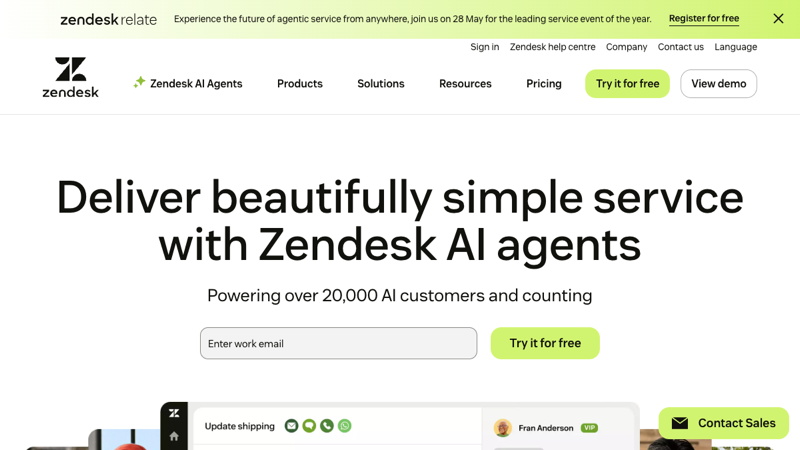
Zendesk is an omnichannel CX platform with help center and AI-assisted routing and suggestions. Choose it when the priority is unified ticketing + knowledge for customer support at scale—not standalone PKM.
11. Bloomfire

Bloomfire centralizes sales enablement and internal knowledge with NLP search, tagging, and author assist. Fits revenue and field teams that need one searchable hub for playbooks and media.
12. Helpjuice
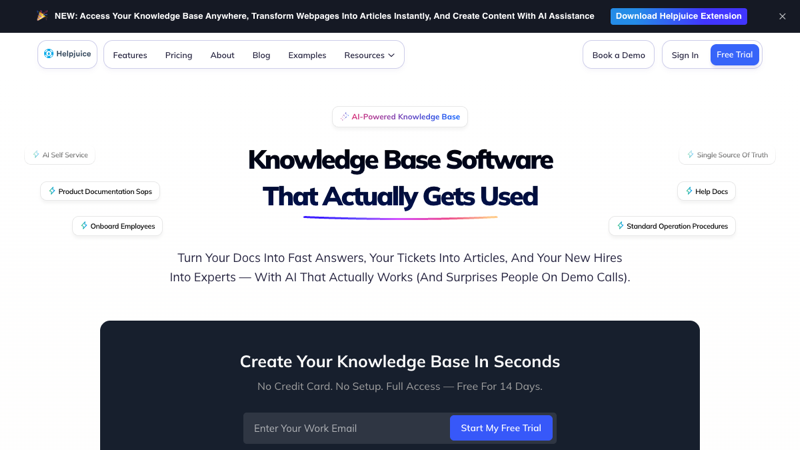
Helpjuice stresses branding and access control for internal and external KBs, plus AI search and writing assistance. Often shortlisted for custom help sites with strict permission models.
13. Salesforce Einstein (Service Cloud)
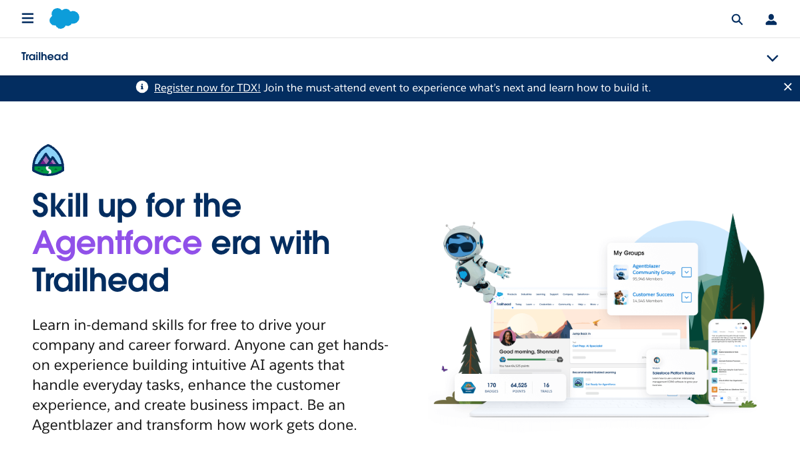
Einstein layers AI on Salesforce for case insights, knowledge article suggestions, and automation. Natural fit when CRM and service data must drive personalized, closed-loop support—not a standalone graph-first PKM.
14. Slite
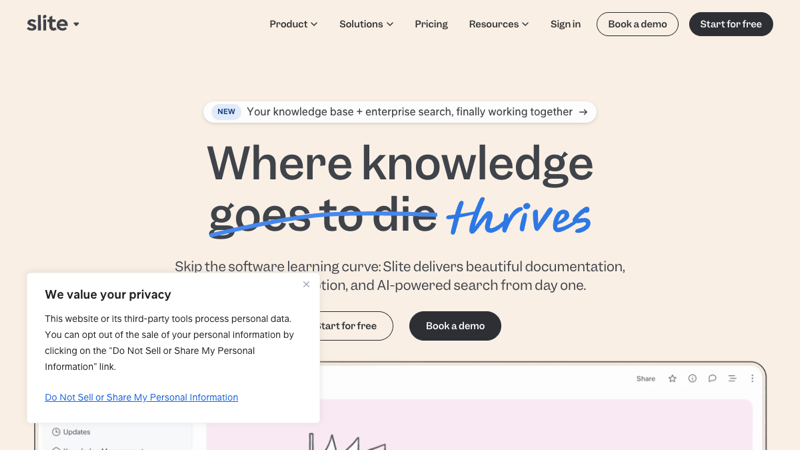
Slite is lightweight team documentation with AI search, summarization, and curation. Strong for startup ops that want clean docs without enterprise suite weight.
How to choose the right tool
Ask:
- Who is the primary user? Agents in a queue vs. engineers in Slack vs. individuals building a second brain (Timeln's core user).
- Where must answers appear? In-ticket, in-chat, in-browser, or in a dedicated research surface.
- How strict is governance? SSO, audit logs, data residency, and gen-AI grounding requirements.
- What is the success metric? Handle time, deflection, time-to-publish docs, or time-to-rediscover your own research.
Rule of thumb
- CX and compliance at enterprise scale → Watson, Salesforce, Zendesk, Viva Topics (context-dependent).
- Guided resolution for complex support scenarios → Stonly (interactive guides and decision trees, not just articles).
- Customer-facing KB + docs → Document360, Helpjuice, ProProfs.
- Engineering knowledge → Stack Overflow for Teams, Confluence.
- Personal & team memory graph, minimal manual structure → Timeln.
Business impact
Teams that implement AI KM well often see:
- Shorter handle times and faster first-contact resolution (where support is the use case)
- Less repeated searching and fewer "re-invented" answers
- Faster onboarding onto shared knowledge
- Higher consistency of answers across channels
For individual knowledge workers, the parallel outcome is less time lost to "where did I save that?" and more reuse of past reading and notes—which Timeln targets directly.
Conclusion
The best AI knowledge management tool in 2026 is the one that matches your user, your systems, and your risk profile. Enterprise suites win on omnichannel CX and compliance; specialized KB tools win on publishing and self-service; Timeln wins when you want a connected, queryable second brain for yourself or your team—capture once, link automatically, ask in plain language.
Start with Timeln at timeln.app — or book demos with enterprise vendors if your primary buyer is IT, legal, or global support operations.
FAQs
What is the difference between AI knowledge management and a traditional knowledge base?
Traditional KBs lean on keywords and static articles. AI KM adds semantic understanding, summarization, gap detection, and often conversational access—so retrieval matches intent and context.
How do AI KM tools help customer support?
They suggest articles, draft grounded replies, shorten handle time, and highlight missing content when searches fail.
Can AI knowledge management tools integrate with CRM systems?
Yes—many are built for CRM, ITSM, and chat. Personal/team tools like Timeln focus on your captured knowledge and integrations such as browser and MCP rather than a full ticketing suite.
Are AI knowledge management tools enterprise-secure?
Enterprise products emphasize SSO, audit logs, and compliance certifications. For any product, validate data handling, training opt-out, and retention against your policy (Timeln: user-owned knowledge; confirm current terms on timeln.app).
How does generative AI fit into knowledge management?
Gen AI can draft, summarize, and answer questions—when grounded in approved content and combined with human review where stakes are high.
This article is an independent buyer's guide. Product names belong to their respective owners. Pricing and ratings change—verify on vendor sites before purchase.